Essential Free Programming Tools in 2026 (Linux & Windows)
If you’re learning programming, your tools matter more than you think.
A bad setup slows you down, confuses you, and kills motivation.
A good setup helps you learn faster, break fewer things, and actually enjoy coding.
In this guide, I’ll walk you through essential free programming tools in 2026, explain why each one matters, and help you choose the best option for Linux or Windows.
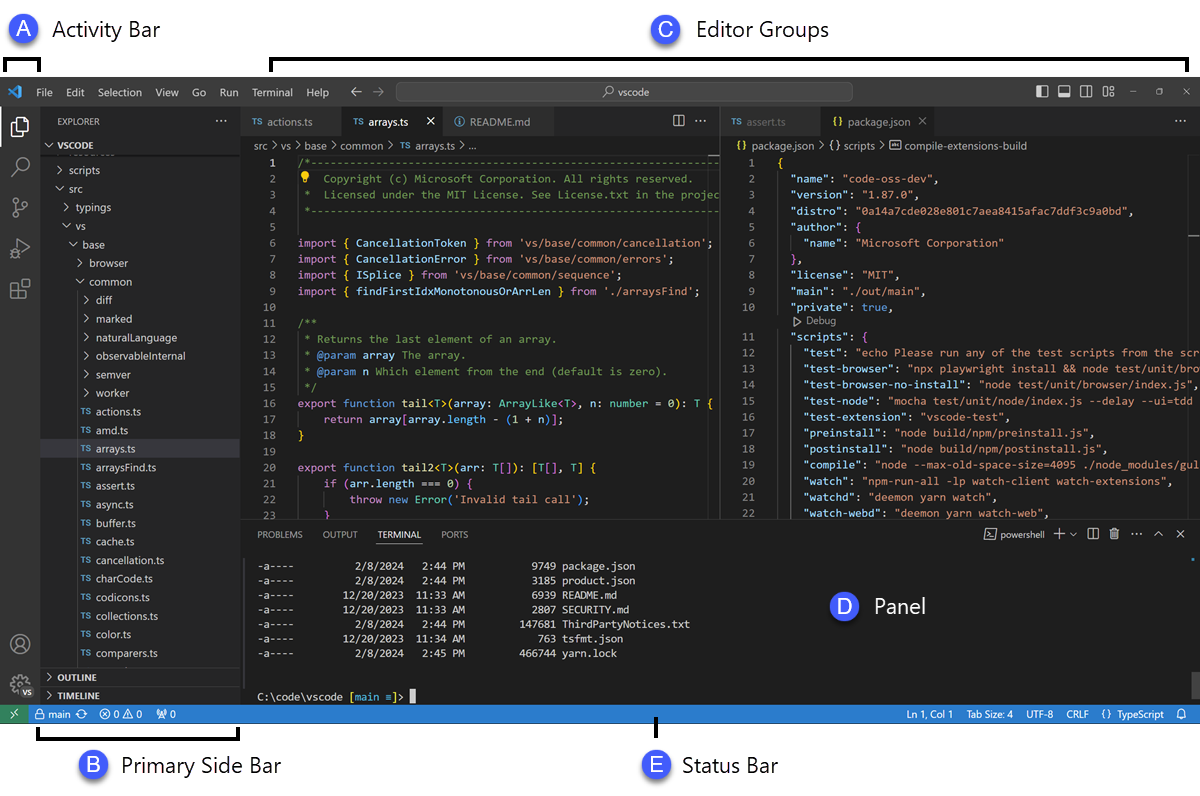
Code Editor – Visual Studio Code
A code editor is where you write, edit, and manage your code.
For beginners, Visual Studio Code (VS Code) remains the best all-around choice.
Why beginners love it
- Simple interface – You can start coding immediately without configuration chaos.
- Beginner-friendly defaults – It works well right after installation.
- Huge community support – Almost every issue already has a solution online.
- Cross-platform – Same experience on Linux, Windows, and macOS.
What you can do with it
- Write code in Python, JavaScript, HTML, CSS, C, Java, and more
- Debug programs by pausing execution and inspecting variables
- Install extensions for formatting, linting, and automation
- Use Git directly inside the editor
👉 Official download: https://code.visualstudio.com/
Version Control – Git & GitHub
Version control tracks changes in your code over time.
If coding were a video game, Git would be the save system.
Why beginners should use Git early
- Undo mistakes – Roll back to a working version.
- Industry standard workflow – Used in companies and open source.
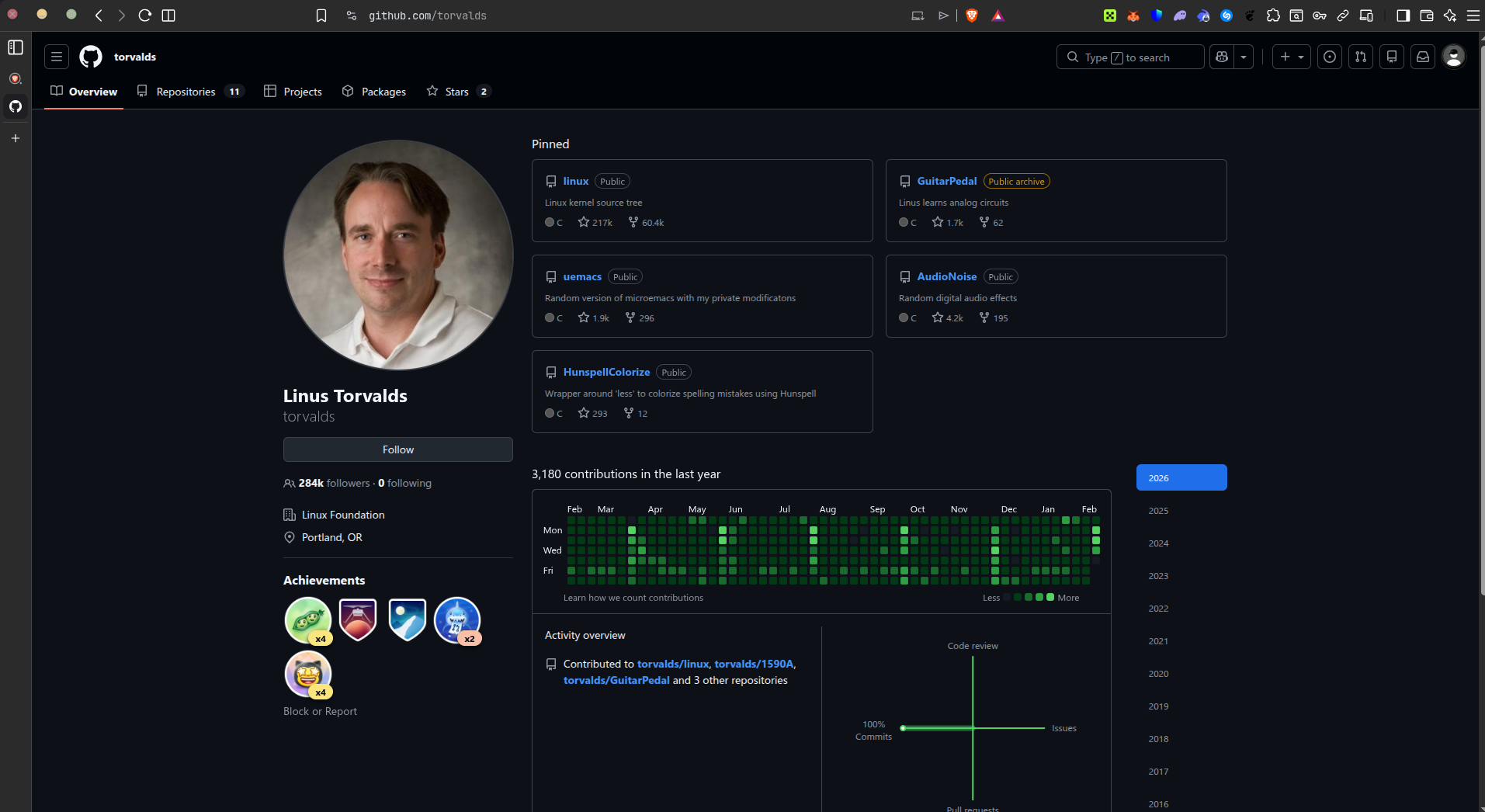
- Build a public portfolio – GitHub shows your progress to employers.
Git vs GitHub (Simple Comparison)
| Tool | Purpose |
|---|---|
| Git | Tracks changes locally on your computer |
| GitHub | Hosts your Git projects online |
👉 Install Git: https://git-scm.com
👉 Create a GitHub account: https://github.com
Once your development environment is ready, explore our guide on Best Free Cybersecurity Tools for Beginners (2026) to understand how security testing works.
Terminal / Command Line (CLI)
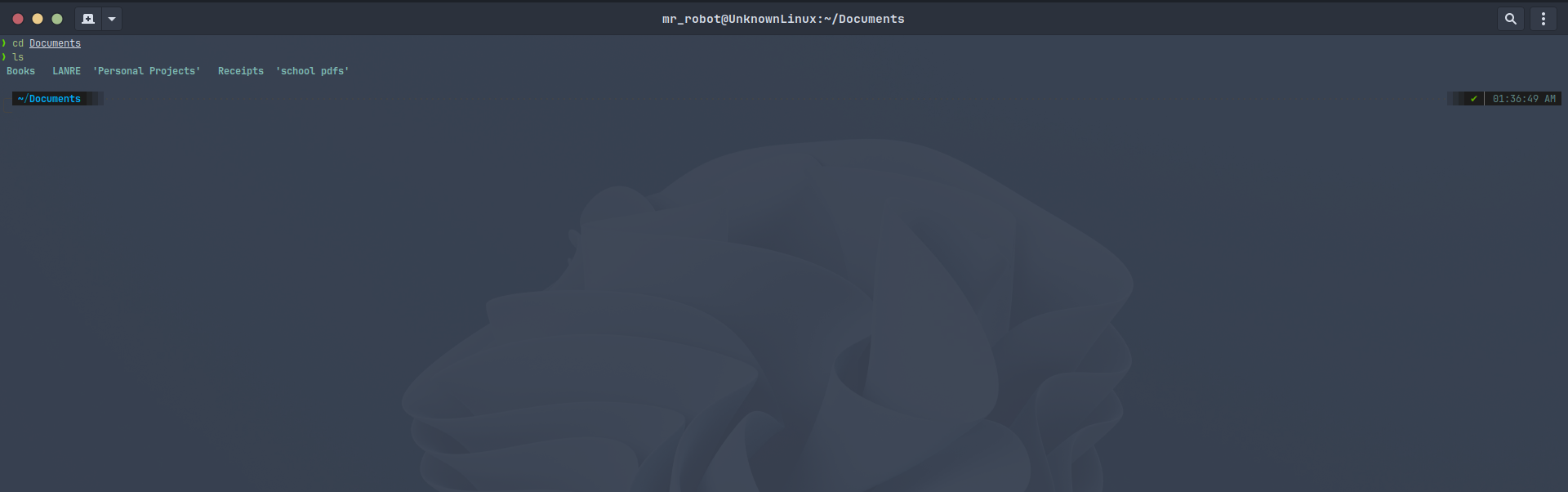
The terminal lets you communicate directly with your operating system.
It looks intimidating at first, but it’s one of the most powerful tools you’ll ever use.
Why the terminal is essential
- Faster than clicking around – Commands replace multiple mouse actions.
- Required for dev tools – Git, package managers, and servers rely on it.
- Helps you understand your system – You learn how files and processes work.
Terminal Options (Comparison Table)
| Tool | OS | RAM Usage | Features | Beginner Friendly |
|---|---|---|---|---|
| Default Linux Terminal | Linux | Very Low | Fast, stable | ✅ |
| Windows Terminal | Windows | Low | Tabs, themes, Unicode | ✅ |
| Git Bash | Windows | Low | Unix-like commands | ✅ |
👉 Windows Terminal: https://aka.ms/terminal
Web Browser with Developer Tools
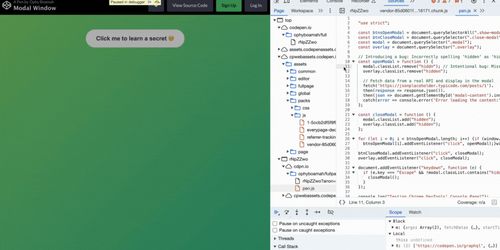
Your browser isn’t just for browsing — it’s a development tool.
Why developer tools matter
- Inspect HTML and CSS in real time
- Debug JavaScript
- Test responsive layouts
- Monitor network requests
Browser Comparison
| Browser | RAM Usage | DevTools Quality | Privacy | Extensions |
|---|---|---|---|---|
| Google Chrome | High | Excellent | Average | Huge |
| Mozilla Firefox | Moderate | Excellent | Strong | Large |
👉 Google Chrome: https://google.com/chrome
👉 Mozilla Firefox: https://mozilla.org/firefox
Programming Language Runtime – Python
You can’t run code without installing the language runtime.
For beginners in 2026, Python is still the best starting point.
Why Python is beginner-friendly
- Readable syntax – Looks close to plain English.
- Huge ecosystem – Web, automation, data, AI, cybersecurity.
- Clear error messages – Easier to debug than many languages.
👉 Download Python: https://python.org/downloads

Knowledge Management & Notes
Programming involves learning concepts, commands, and patterns.
If you don’t document what you learn, you’ll forget it.
Note-Taking Tools Comparison
| Tool | Storage | Sync | Best For | Learning Curve | Cross-Platform |
|---|---|---|---|---|---|
| Notion | Cloud | Yes | Structured notes | Low | ✅ |
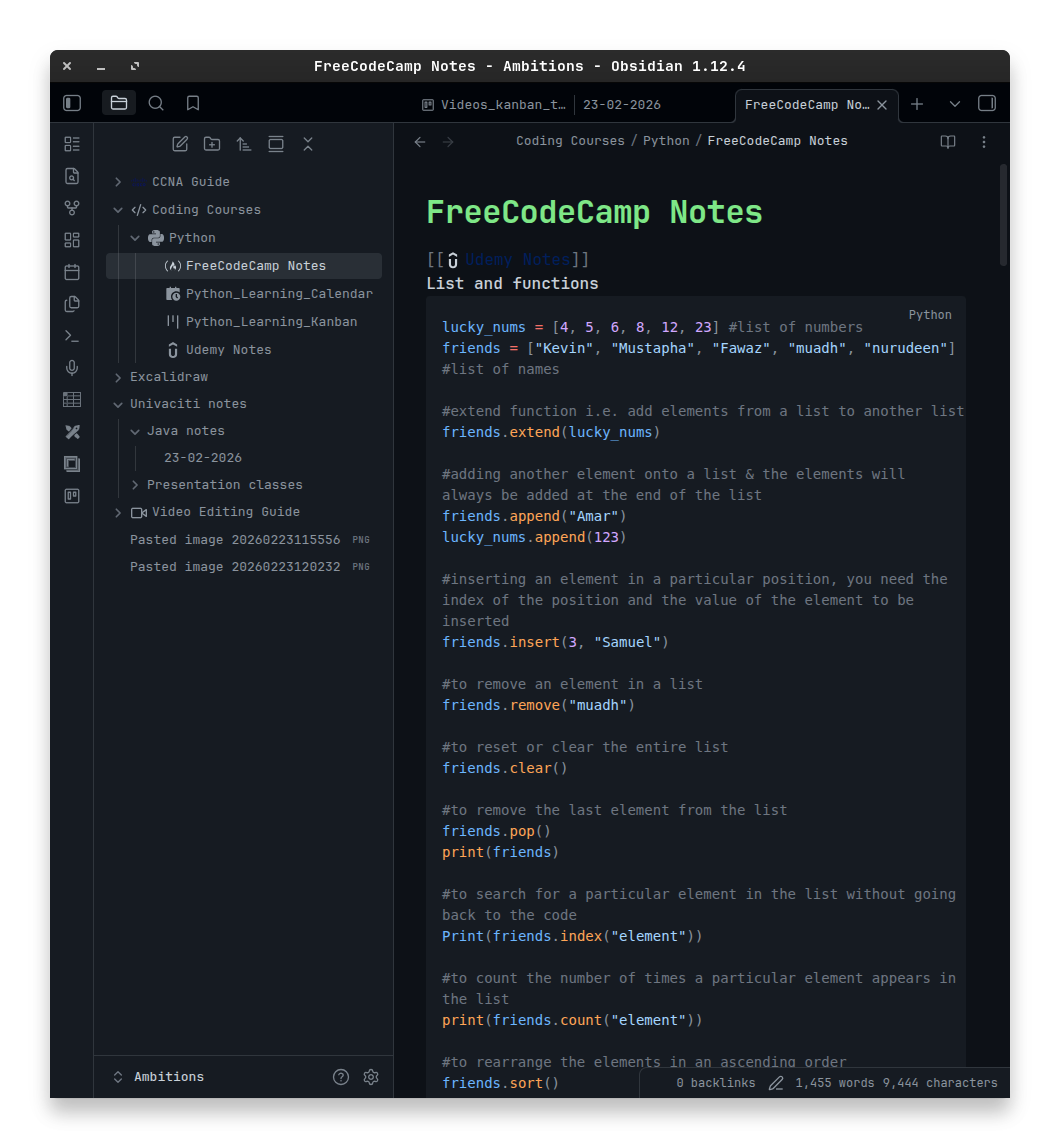
| Obsidian | Local | Optional | Long-term knowledge | Medium | ✅ |
👉 Notion: https://notion.so
👉 Obsidian: https://obsidian.md
Optional (Use Later, Not Day One)
These tools are powerful but not mandatory at the start.
| Tool | Purpose | When to Use |
|---|---|---|
| Postman | API testing | After backend basics |
| Docker | App containerization | Intermediate level |
👉 Postman: https://postman.com
👉 Docker: https://docker.com
Conclusion
You don’t need expensive software to start programming.
With:
- A solid code editor
- Git for version control
- A terminal
- A browser with DevTools
- One programming language
You already have a professional-grade setup.
The key isn’t installing everything.
It’s learning each tool properly.